

A lead capture form is a simple form used to capture the email addresses of your e-commerce visitors and convert them into leads . This feature allows you to create a list of leads to whom you can send automated email marketing messages. The goal of these messages is to convince the leads on the list to buy from your e-commerce store, that is, to become your customers.
Basically, a form of this type has one or more fields for the visitor to enter data such as email and name, for example. It also has persuasive text that offers a free benefit. And it must also contain a button with a call to action, that is, with a CTA (Call to Action).
In any case, this feature offers two important advantages for e-commerce businesses like yours. First, it allows you to create a lead base, essential for your Inbound Marketing strategy . Second, it helps you collect information and thus get to know your audience better. Learn more about this below!
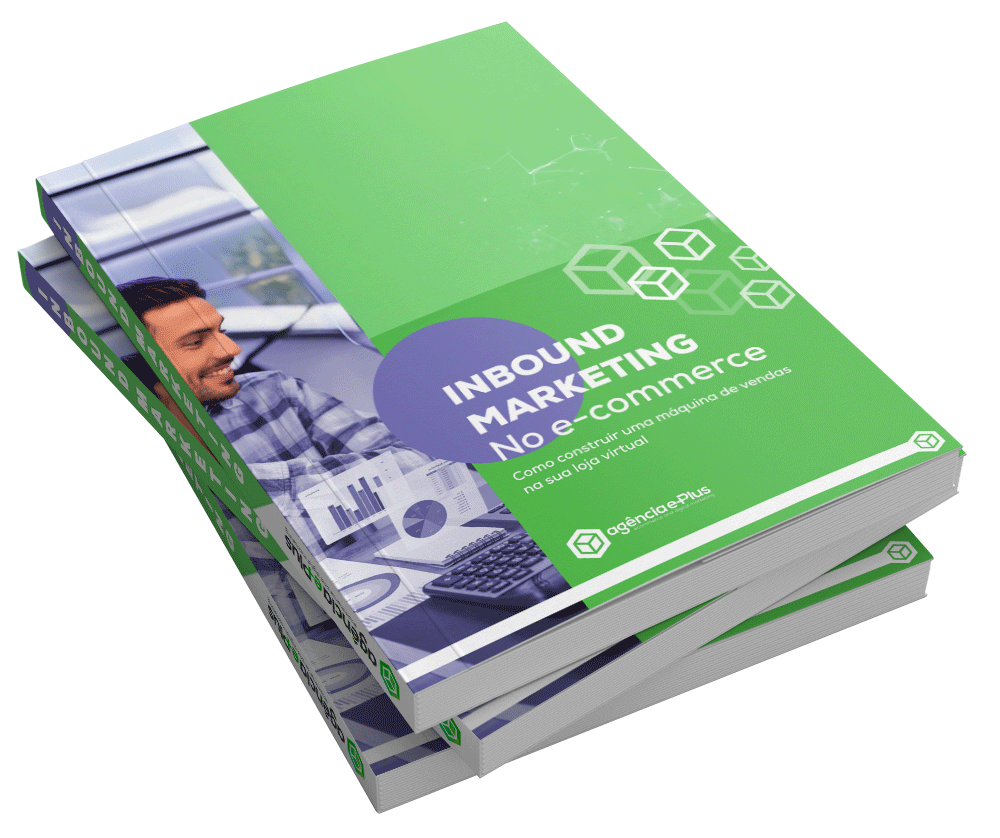
Inbound Marketing in E-commerce
Click the button below to download the free e-book "Inbound Marketing for E-commerce" produced by Agência e-Plus!
HOW DO I MAKE A LEAD CAPTURE FORM?
Before you start creating your lead capture forms, you should invest in marketing automation software. Here at Agência e-Plus, for example, we use the RD Station platform to manage our clients' campaigns. This platform makes it very easy to create and distribute your forms.
To create your forms, follow the steps below:
1 – Create a title
Write a title as per your demand. For example, “follow our blog”, “download our e-book”, “sign up for our e-commerce”, etc. The title must be short and specify what the form is for.
2 – Write a persuasive text
Inform in one sentence what the visitor will get if he registers an email in the form. Tell them if they'll get a lead magnet like an e-book, if they'll receive exclusive content via email, both, or another perk.
3 – Enter the data request fields
Include fields in which visitors can enter data such as email, name, age, profession, city, etc. Remember, the more fields you enter, the lower the conversion of visitors into leads will be. So, the ideal at this stage is to ask only for the email and perhaps the name.
4 – Include an image
If you want, include an image that gives tangibility to the benefit the visitor will receive. For example, if the benefit is an e-book, then create an image of a book with the e-book's title. The image, however, is not a mandatory item.
5 – Insert a button with CTA
Right after the data fields, add a button. This button must contain a CTA such as “Register”, “Download the e-book”, “Submit”, “Access content” or another more appropriate for the case.
6 – Implement CAPTCHA
The Completely Automated Public Turing test to tell Computers and Humans Apart (CAPTCHA) is a cognitive test that distinguishes whether the visitor is a person or a computer. In this way, it restricts bot traffic and ensures that your lead base will be made up of humans.
7 – Take care of the design:
Your form should be created and positioned on the page according to the concepts of alignment, balance, contrast, proximity, repetition, proportion, and color application from Design Theory.
When creating your form, make sure you don't ask for sensitive data like document numbers. Answer the slime lead after registration, releasing the benefit and thanking him for joining. Inform the lead via email whenever there is any data change in your registration.
Remember that the same lead may encounter several forms on your e-commerce site, each with a different prize. So, instead of always asking for the same information, you could ask for their name on one occasion, their city on another, and so on. To do this, use features like RD Station's smart forms.
WHERE TO USE THE LEAD CAPTURE FORM
Once ready, you can enter the lead capture form in various places like:
- Side, top or footer of your blog;
- Amidst your blog posts;
- Side, top or footer of your online store;
- On a squeeze page;
- Em pop up windows.
Choose locations and test to see which one generates the highest conversion rate. Finally, place your forms in the places that provide the best performance.
WHAT TO DO WITH CAPTURED LEADS?
When you capture leads, they will be stored on your marketing automation platform. From there, you can send them automated messages via email. In other words, you can perform lead nurturing , which aims to educate leads until one day they feel comfortable buying from your online store.
In addition to nurturing leads, it's possible to monitor them. The aforementioned RD Station platform, for example, has features such as Lead Scoring , which automatically scores and qualifies leads; and Lead Tracking , which allows you to monitor the actions that leads take within your e-commerce site.
In this way, it is possible to know which leads are more qualified and push them towards purchases while continuing to nurture and educate less qualified leads through automated messages. And for all this to happen, you first need to create a lead base, being the ideal lead capture form for that.
As soon as you can, click on “ What is the difference between a squeeze page and a lead capture form ” and read a complementary post!